
Penge vs Dreams

Co-founder of Penge · Published 8 September 2026 · 4 min read
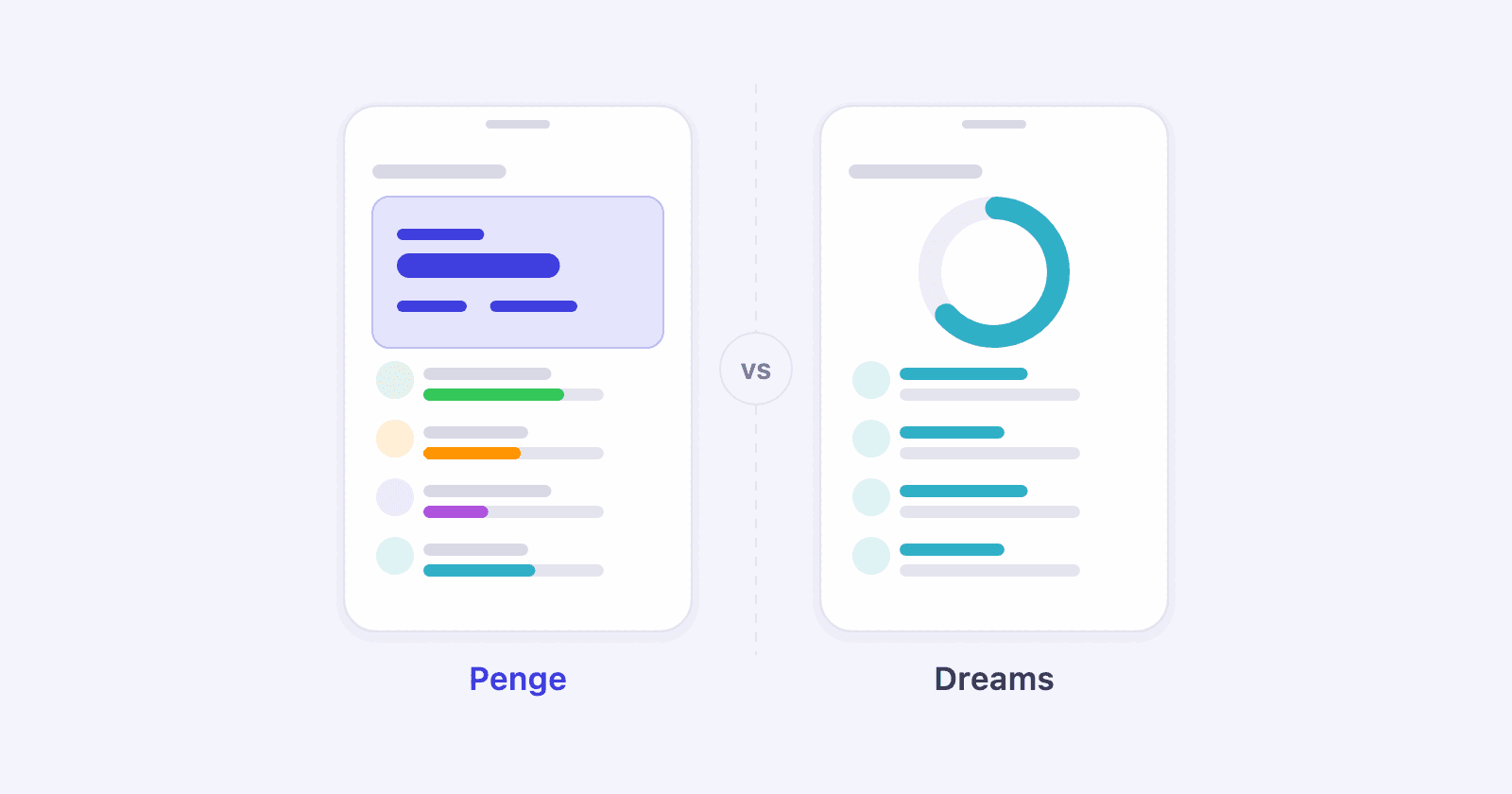
This is the most lopsided comparison in the series, because the two apps do not do the same thing. Dreams exists to make you save. Penge exists to show you the truth about your month. Plenty of people benefit from both.
Key takeaways
- Dreams is a savings-goal app with its own savings account and automatic saving helpers, available in Sweden and Norway.
- Penge is an overview of all your accounts with categories, budgets and a grip on recurring charges.
- Dreams answers how do I put money aside. Penge answers where did it go.
- Penge is free with no ads. Dreams has 30 days with no fee, followed by a monthly account fee.
- Penge connects to 2300+ banks in 30+ countries and never touches the money, only reads it.
What separates them?
Dreams is a savings app built around its own savings account, held with Svea Bank: you set a goal, money moves into the Dreams account, and the app makes saving a little more enjoyable than a standing transfer. Penge is an overview: it gathers your accounts, breaks spending down by category and shows whether the budget is holding. Saving is one measure, not the whole point.
| Penge | Dreams | |
|---|---|---|
| Main purpose | Overview and budget | Saving toward goals |
| All your banks | Yes, 2300+ institutions | Focused on the saving |
| Categorizes spending | Yes. Suggested from your own history, you confirm; optional automatic mode for the confident ones | Not described as a feature |
| Recurring charges and subscriptions | Scans for them | Not described as a feature |
| Gets you to actually save | Shows you the room | That is the whole idea |
| Price | Free, no ads | 30 days with no fee, then an account fee[1][3] |
| Languages | English, Norwegian, Swedish and Danish | English, Norwegian and Swedish[1] |
Use Dreams if
- You already know you have room to save but never get started.
- A concrete goal and visible progress motivate you more than a number does.
- You want saving to feel like something other than a bill.
Use Penge if
- You do not know where the money goes, and so cannot tell how much you could save.
- You have accounts in several banks and no single app shows the whole thing.
- You want to scan your transaction history for recurring charges and subscriptions.
The order that tends to work
Find the room first, then automate the saving. A month in Penge shows what is genuinely left over, which means the amount you set aside rests on something other than optimism. If you want the setting-aside handled by an app that makes it enjoyable, Dreams is good at exactly that.
We wrote about finding the room in money-saving tips that actually work, and about saving into named pots in sinking funds.
Savings calculatorSee how your savings grow with compound interest.Get a full overview with Penge
Connect your bank and let the app categorize and budget automatically.
Frequently asked questions
- Can I use both at once?
- Yes. Penge shows the room, while Dreams helps you put money aside toward a goal.
- Does Penge see my savings in Dreams?
- Your Dreams savings sit in a Dreams account held with Svea Bank, not at your regular bank. Check whether that account shows up when you connect banks in Penge; if it does not, add it as a manual account, enter the balance and add later transactions, and Penge rolls the balance forward.
- Does Penge have savings goals?
- No. Penge shows income and outgoings, lets you filter statistics by account and breaks spending down by category. The website has both a savings calculator and a savings-goal calculator, but the app does not have gamified savings goals.