
Bank app or budgeting app? What each one is good for

Co-founder of Penge · Published 24 August 2026 · 6 min read
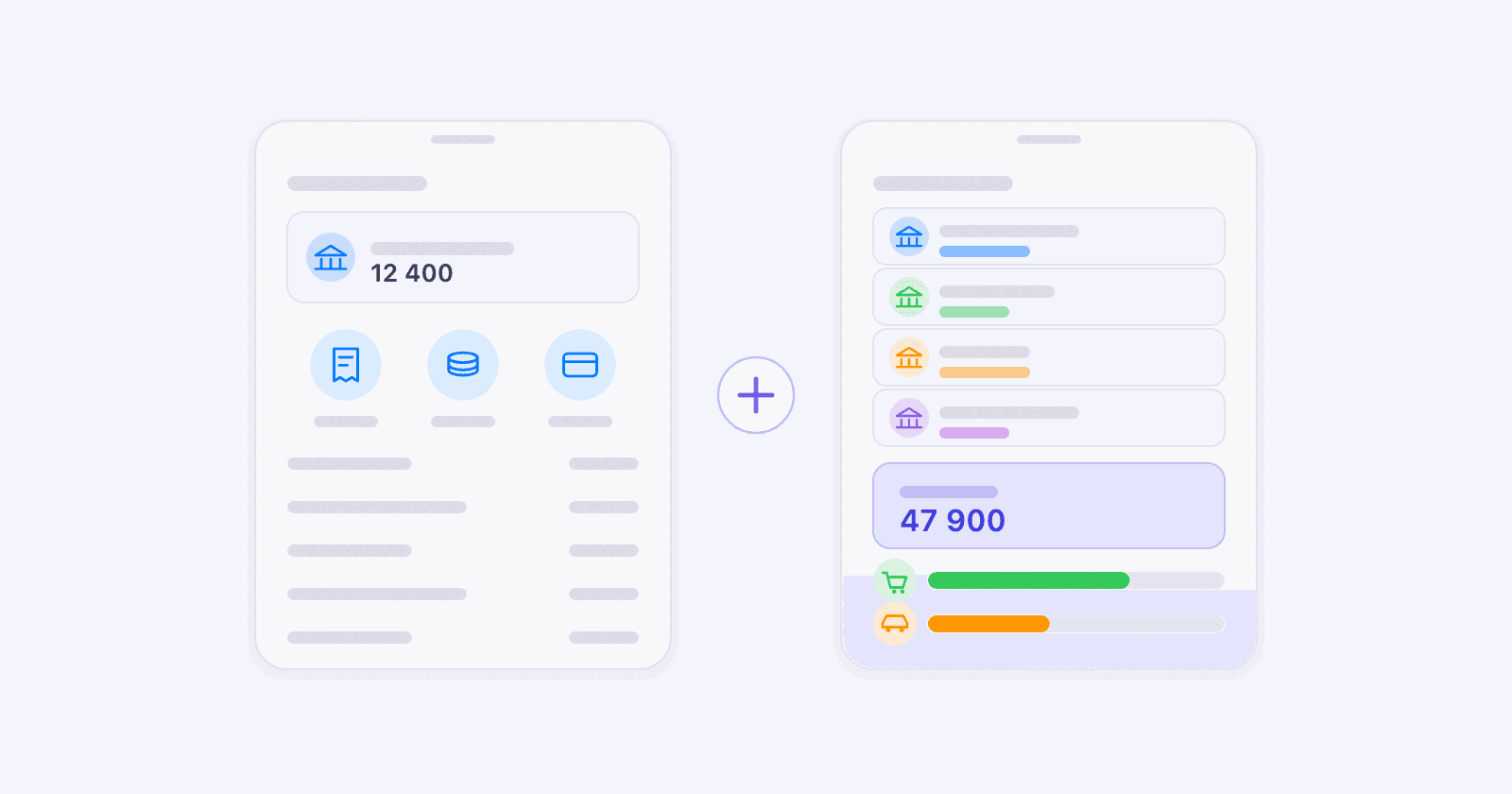
Your bank's app is built for banking actions: paying, transferring and controlling cards. Penge is built for a different job, turning the accounts you connect into one spending picture you can act on before the period is over.
Key takeaways
- Penge combines every bank connection you add, including separate connections to the same bank, in one overview.
- Penge uses one editable category system and scans for subscriptions across the transactions in your accounts.
- Budgets can run by week, month or year with live progress, while spending pace shows how the month develops day by day.
- Your bank's app remains the right place to pay bills, move money and control cards because Penge is read-only.
- If your everyday money sits in one bank and you do not need category budgets or cross-account tracking, the bank app may be enough.
What does your bank's app already do well?
Your bank's app is where you pay bills, move money and control cards. Those are real advantages: Penge's connection is read-only, so it cannot make payments or freeze a card. Keep the bank app for banking actions, and use Penge only if you need one spending picture across the accounts you connect.
It is also the only place for things a budgeting app will never do: raising a card limit, opening a savings account or reaching the bank's support.
Once transactions are spread across several bank views, the bank app is no longer the whole picture.
What does Penge add beyond one bank's view?
- One overview across connections. Penge combines the accounts you connect from different banks, and it also allows separate connections to the same bank when one connection is not enough.
- One category system across accounts. Every transaction arrives with a category suggested from your own history, and you confirm it with one tap. Turn on automatic categorization in settings and Penge applies the most confident ones by itself, never overwriting a category you set.
- Budgets before the period is over. Set category budgets by week, month or year and follow their live progress. Spending pace shows the month day by day against what you normally would have spent by that date.
- One subscription scan across accounts. Penge scans your transaction history for repeating charges and suggests the patterns it finds, even when the payments come from different connected accounts.
| Penge | Your bank's app | |
|---|---|---|
| Accounts it can see | Every account you connect, including separate connections to the same bank | Accounts in the bank's own view |
| Categories | One editable set across accounts, with suggestions from your history | The bank's own system |
| Budget during the period | By week, month or year, with live progress | Varies by bank |
| Subscriptions | Scans transaction history across connected accounts | Limited to transactions in that bank's view |
| Pay a bill | No, the connection is read-only | Yes |
| Freeze a card | No | Yes |
Why several bank views become a household problem
A household can end up with everyday accounts, savings, loans and cards at different providers, one sensible choice at a time: a salary account at DNB, savings at Nordea, a credit card from Bank Norwegian. Separate bank views then split the transactions that one household budget needs to treat together.
Penge puts the connections you choose into one overview. It can also keep separate connections to the same bank, which is useful when accounts at one institution sit behind different bank logins. The household picture lives in one person's app: each connection is approved with that account holder's own bank login during setup. Because the transactions share one history, Penge can use the same categories, budgets, pace and subscription scan across them.
You can check which of your banks Penge reaches before installing anything. See the banks we support
When your bank's app is enough
Stay with the bank app alone if you recognize yourself here:
- The accounts and cards you use for everyday spending already sit in one bank view.
- The bank's own spending categories give you enough detail.
- You do not need a weekly, monthly or yearly limit for specific categories.
- You mainly need payments, transfers and card controls, not analysis across accounts.
Penge becomes useful when you need several bank connections in one view, one category system, budgets that update during the period, a day-by-day spending pace or subscriptions drawn from more than one account. The bank app still stays beside it for payments and card controls.
Does a budgeting app cost anything?
Some do. Penge is free and has no ads. The only thing it asks for is a read-only bank connection, which you approve with your own bank and can revoke at any time.
Bank data comes through GoCardless, a licensed account information provider, and Penge never sees or stores your credentials. Banks in the EEA are required by the PSD2 payment services directive to offer exactly this kind of account access to licensed providers, so the connection is a regulated right, not a workaround.[1] A free second app is still unnecessary if the bank view already answers your questions. Add Penge when its combined view, budgets or subscription scan saves you from checking accounts separately. More on the connection itself in our piece on whether Open Banking is safe.
Budget calculatorSplit your income with the simple 50/30/20 rule.Get a full overview with Penge
Connect your bank and let the app categorize and budget automatically.
Frequently asked questions
- How much transaction history do I see right after connecting a bank?
- The first sync fetches the current month's transactions, plus the whole previous month if you connect before the 16th. From then on, every sync adds new transactions, so the history grows month by month.
- How do I approve a Penge bank connection?
- Penge connects through regulated Open Banking. You approve access with your own bank login, and you can later disconnect in Penge or revoke access with your bank.
- Can a budgeting app move my money?
- Not in Penge. The connection is read-only, which means transactions and balances come in and nothing goes out. Payments stay in your bank, where they belong.
- What if Penge cannot connect to one of my banks?
- You can create a manual account and enter its current balance. Transactions you add afterwards update that balance, and you can adjust it at any time.