
How to track cash in a budget app

Co-founder of Penge · Published 14 September 2026 · 6 min read
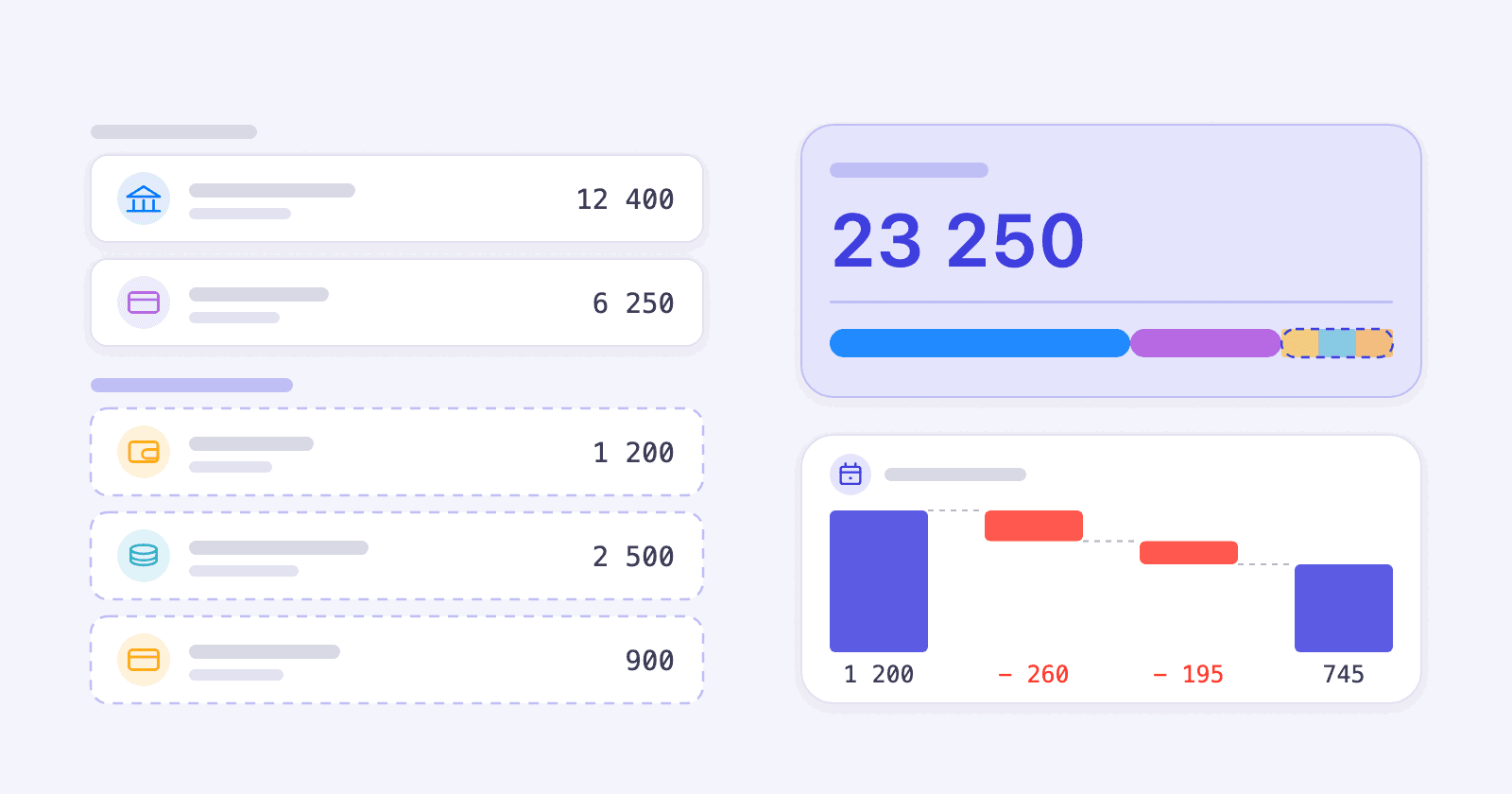
An app that only sees your connected accounts is missing part of your money. Here is how to bring cash, prepaid cards and the accounts that will not connect into the same overview, without turning it into a chore.
Key takeaways
- Money you cannot connect leaves a hole in your overview, and a total you do not trust is a total you stop looking at.
- A manual account earns its keep for money you make decisions about: cash you live off, a gift card, a shared holiday kitty, an account at a bank that will not connect.
- The balance you type is a starting point, not a live figure. Penge stores the amount with the moment you saved it, then adds every later transaction on that account.
- A transaction dated before that moment shows up in your lists and your statistics, but it leaves the balance where it was.
- When the figure drifts, open Adjust balance and type today's real number. That sets a new starting point and is faster than hunting for the row you forgot.
Why does cash break your overview?
Because your bank reports the withdrawal, not what you spent it on. Once money leaves the account as cash, a gift card or a prepaid card, the app stops following it. Your total is then too low and your categories are wrong, and a figure you cannot trust is one you soon stop checking.
Most people's money is not all in connectable bank accounts. There is cash in a wallet, a gift card from a birthday, a prepaid travel card, the shared kitty for a summer house, and an account at a bank that open banking does not reach. Each one is small. Together they are the reason the number at the top of the screen does not match what you know you have.
Cash is a small share of Nordic payments now, but it has not gone. It was 3 percent of payments at the till in Norway in a Norges Bank survey in spring 2026[1], and 9 percent of payments in physical shops in Denmark in a Danmarks Nationalbank payment diary in autumn 2025[2]. In Sweden, 5 percent said they paid cash for their most recent purchase in a shop in September 2025[3]. The three surveys count different things, so read each one on its own.
That gap does more damage than its size suggests. A budget works because you believe the totals. The first time your groceries look 800 kroner cheaper than they were, because you paid part of the shop from a gift card the app never saw, you learn to discount every figure it shows you.
When is a manual account worth the effort?
When the money is a pot you make decisions about, and when leaving it out would make your total wrong. Cash you top up and live off, a gift card with real money on it, a shared kitty, or an account at a bank that will not connect all qualify. A single note in your pocket does not.
The test is not how much money it is. It is whether you would ever ask what is left. If the answer is yes, a running balance pays for the few minutes it costs. If you would never ask, skip it: an account nobody looks at still asks to be kept up to date.
| The money | Worth it? | Why |
|---|---|---|
| Cash you top up and live off | Yes | It is a real balance that falls over time, so a running figure tells you something. |
| A gift card or prepaid travel card | Yes | A fixed amount you spend down is exactly what a balance is good at showing. |
| A shared holiday or house kitty | Yes | Several people pay in, and everyone wants to see what is left. |
| An account at a bank that will not connect | Yes | Bring the history in from a statement file, then keep it going by hand. |
| The odd note in your pocket | No | The typing costs more than the answer is worth. Categorize the withdrawal instead. |
| An account your bank already sends | No | It is already there, and a second copy counts the same money twice. |
How do you set an opening balance?
Count what is actually there right now, then type that number. There is no opening date to choose, because the balance is stamped with the moment you save it. Guessing is worse than useless here: every figure after this one is built on it, so it is worth emptying the wallet first.
- Count the money for real. Empty the wallet, check the gift card, read the last line of the statement.
- Open Settings, tap Banks and accounts, and tap the bank the account belongs to. If the bank is not in your list, add it by name first.
- Under Manual accounts, tap Add a manual account and give it a name.
- Pick Debit card or Credit card. Card debt goes in as a negative number, or it reads as money you have.
- Type the amount under Balance and save. On an account that already exists, tap Set balance instead.
Good to know
- The name is the only field you have to fill in, so an account can exist before you know its balance.
- There is no cash account type. Pick Debit card and name the account what it really is, for example Wallet.
- The balance is stamped with the primary currency you had when you saved it. If you change your primary currency later, set the balance again, or new transactions stop moving it.
- Remove balance clears the figure and takes the account back out of your totals.
- A manual bank cannot be turned into a connected one later. If the bank becomes available, you add it again and connect that one.
- Setting and adjusting a balance needs a network connection.
The full step by step, with screenshots of each sheet, is in Manual accounts and manual balances in the help centre.
How does the balance carry forward?
The number you save is a starting point, not a live balance. Penge stores the amount and the moment you saved it, then adds every transaction on that account dated after that moment. Save a new number and the starting point moves with it, so nothing before it is ever counted twice.
Dates therefore matter more than you would expect. A transaction you enter today but date to last week shows up in the list, lands in its category, and counts in your spending for that week, but it does not move the balance. Reserved transactions are skipped as well. Nothing is fetched from a bank, so the figure is exactly as current as your last entry.
This is not something to work around. It is what makes correcting a balance cheap. Because saving again sets the whole figure afresh, you never have to find the row you forgot: you count what is really there, type it, and everything from that moment on is right again.
How do you keep it honest without it becoming a chore?
Do not try to record every cash purchase. Pick a rhythm instead: once a week or once a month, count what is really there and set that as the balance. Penge carries the figure forward over the days in between, and a correction fixes everything at once rather than one missing row at a time.
- Count on a fixed day. The end of the month is easy to remember and fits with a monthly review you may already do.
- Type in the big things and let the small ones go. A large cash purchase is worth a minute; a coffee is not, because the next correction catches it anyway.
- For a bank that will not connect, bring in a statement as a PDF, CSV or Excel file rather than typing months of history.
- If you would rather type nothing at all, do not keep a cash account. Categorize the withdrawal itself as spending. You lose the split between categories, but the total stays right.
Nothing in the app will nudge you about this. A connected account that stops updating gets a warning; a manual balance you set two years ago and forgot looks exactly as confident as one you set this morning. The rhythm has to come from you, which is the argument for tying it to a day you already keep.
The one thing to avoid is doing both: a cash account and a categorized withdrawal count the same money twice. Pick one and stay with it.
How does a manual account behave next to a connected one?
It sits in the same list, under the same bank, and counts towards the same total as soon as it has a balance. Its transactions go into the same categories, budgets and monthly figures as everything else. The one difference is that nothing arrives on its own: every row is there because you put it there.
| Connected account | Manual account | |
|---|---|---|
| New transactions | Arrive from the bank | Typed in, or imported from a statement file |
| Balance | Reported by the bank | The number you set, plus every transaction dated after it |
| Categories, budgets and monthly figures | Included | Included |
| Counts in your total | Yes | Yes, once it has a balance |
| Currency | As the bank reports it | Your primary currency |
| Needs attention | Renewing the connection | Correcting the balance now and then |
Penge connects to more than 2300 banks in over 30 countries, and whatever it cannot reach gets a manual account beside the rest. If you have several accounts of either kind, getting an overview with several bank accounts covers how to keep them from turning into noise.
Not sure whether your bank can be connected at all? Search the bank list
Get a full overview with Penge
Connect your bank and let the app categorize and budget automatically.
Frequently asked questions
- How do I track cash in a budget app?
- Give cash its own manual account and set the balance to what is actually in your wallet. You do not have to record every purchase: correcting the balance sets a new starting point, so counting once a month is usually enough.
- Does a manual balance update by itself?
- Only from transactions dated after the moment you set it. Nothing is fetched from a bank, so the figure is as current as your last entry or file import.
- Why did the balance not change when I added an old transaction?
- Because only transactions dated after the moment you saved the balance are counted. A backdated row still shows in your lists and your statistics, but it leaves the balance where it was.
- Does a manual account count in my total balance?
- Yes, as long as it has a balance. Removing the balance takes both the row and the account's contribution back out of the total.
- Can I keep a manual account in another currency?
- No. Balances and the transactions you add are recorded in your primary currency at the moment you save them, and changing your primary currency later does not convert them.