
Penge vs Spiir

Co-founder of Penge · Published 5 September 2026 · 5 min read
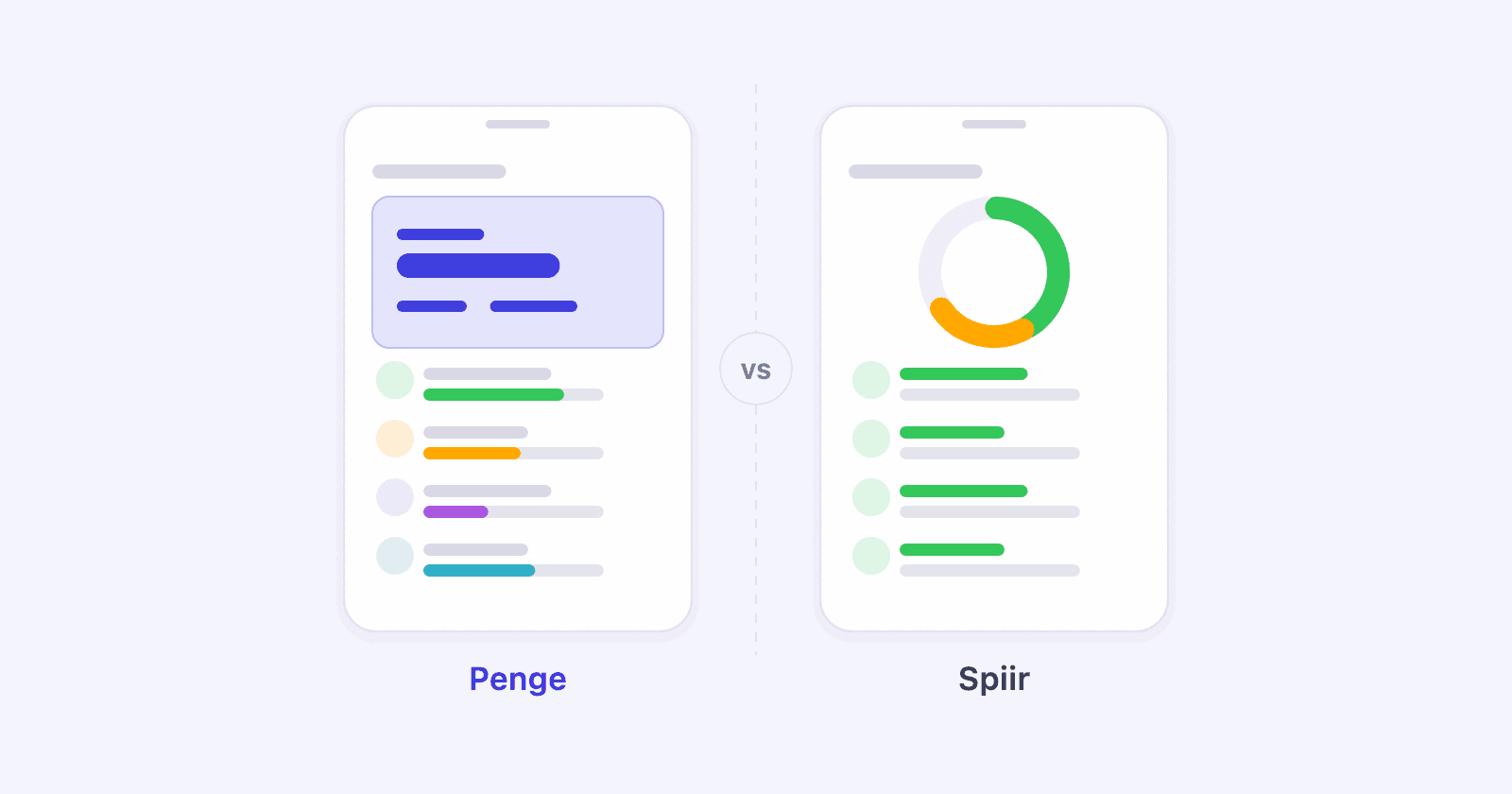
Spiir is no longer an option, so this is not a choice between two apps. It is an account of what you had, what you get, and where the two are not the same.
Key takeaways
- Spiir closed on 8 June 2026 when Mastercard, which had acquired the company behind it, decided to stop the app.
- Penge does the same core job: every account in one place, categorized the same way, with a budget per category.
- The bank connection runs through Open Banking with MitID, to 2300+ banks in 30+ countries.
- There is no Spiir import. History is fetched fresh from the banks: the current month, and the previous one too when you connect in the first half of a month.
- Penge is free with no ads, and it also finds your subscriptions and recurring charges.
Does Penge do what Spiir did?
The core of it, yes: accounts from several banks in one overview, spending categorized the same way across them, and budgets per category. Penge adds one thing: it finds your subscriptions and recurring charges by itself across all accounts, where Spiir showed fixed bills in its web budget.
| Spiir | Penge | |
|---|---|---|
| Status | Closed 8 June 2026[1][2] | Active |
| Price | Free[4] | Free, no ads |
| Bank connections | Most Danish banks, plus banks in a number of European countries[3] | 2300+ banks in 30+ countries |
| Login | MitID at your bank | MitID at your bank |
| Categorization | Automatic[4] | Automatic suggestions, learns from corrections |
| Budget per category | Yes | Yes |
| Finds subscriptions | Fixed bills in the web budget[5] | Yes, across accounts |
| Languages | Danish and English | English, Norwegian, Swedish and Danish |
| Platforms | iPhone and Android | iPhone |
The differences you will notice
- The history starts over. A first connection fetches the current month, plus the previous one when you connect in the first half of a month, so the years you had in Spiir do not come along.
- The categories are yours. You can rename and add, which is better over time and a little more work on the first evening.
- Spiir was on Android; Penge today is iPhone-only.
- We are a small team and not Mastercard. That is both the best and the least certain thing about us, and you should know both.
Can you bring your Spiir data?
Not into Penge. There is no Spiir import, and the app has closed, so exporting is no longer possible for anyone who did not manage it in time. If you have an export file from before the shutdown, keep it as an archive. New history comes from the banks rather than from Spiir.
If you would use a Spiir import and still have the file, tell us. Enough requests and we will build it.
Still got your Spiir export on your computer?
Write to us →Is Penge the right choice after Spiir?
Not necessarily, and we would rather you chose well than quickly. There is a wider look at the options, including the ones that are not us, in how to choose a budgeting app.
One practical note: connect in the first half of the month and the whole previous month comes along in your history. If you have decided, early in the month is the best time to connect your bank.
Get a full overview with Penge
Connect your bank and let the app categorize and budget automatically.
Frequently asked questions
- Does Penge work with my bank?
- Most likely: Penge connects to 2300+ banks through Open Banking, and most Danish banks are covered. Check the list of supported banks on our site before you download the app.
- Is Penge as safe as Spiir was?
- It rests on the same foundation: regulated Open Banking, a login at your own bank with MitID, and read-only access. The app never sees your credentials and cannot move money.
- What if Penge shuts down one day too?
- Then you take your data with you. You can export everything as a spreadsheet file and as JSON whenever you like, without asking us. It is not a promise to stay, but it is the best defence we can offer against the risk.
- Do I have to connect all my banks again?
- Yes, once per bank. It takes a minute or two each with MitID, and after that they sync on their own.