
Spreadsheet or budgeting app? Keep the parts that work

Co-founder of Penge · Published 27 August 2026 · 6 min read
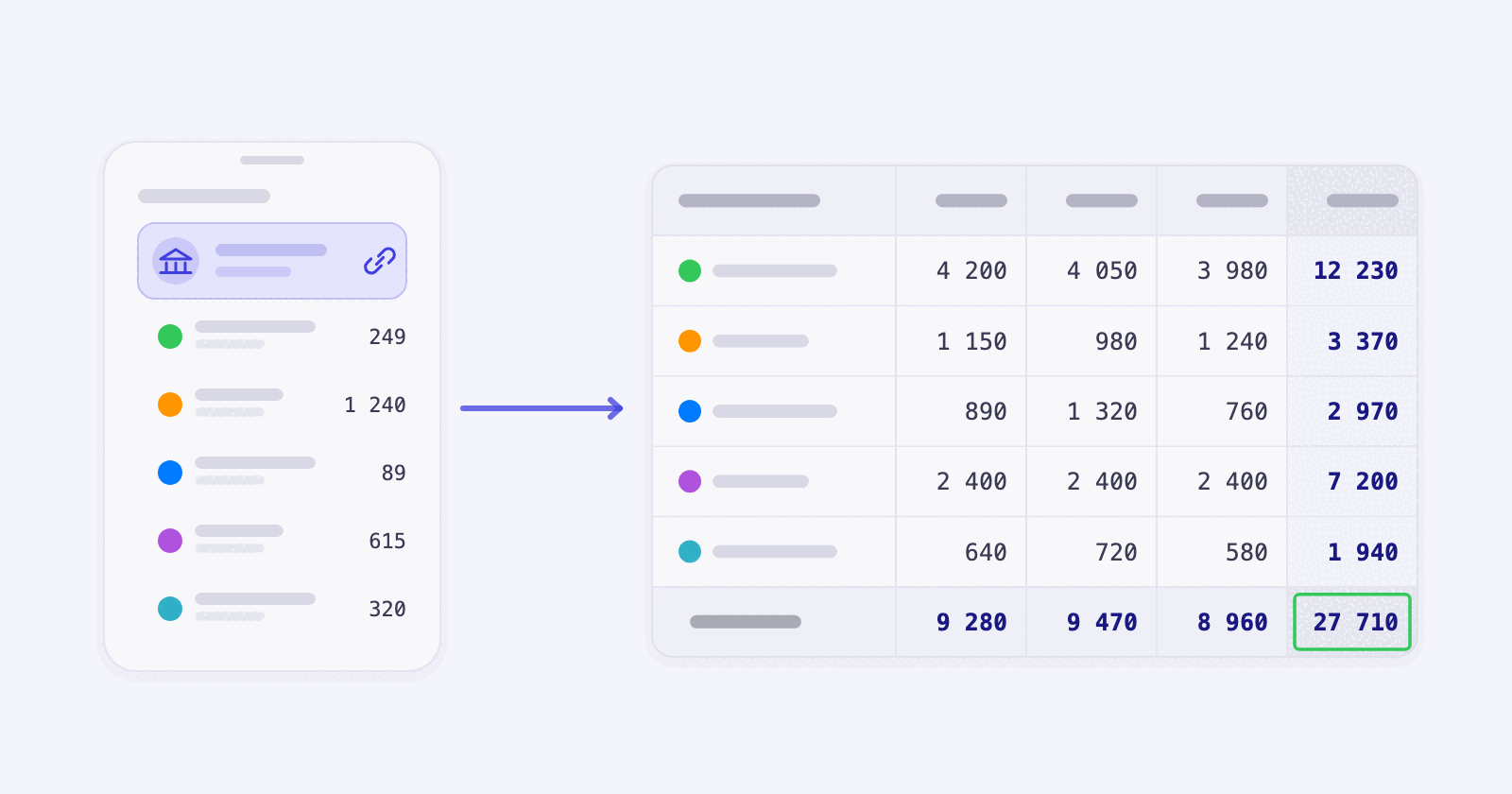
Almost everyone who has ever budgeted has a spreadsheet somewhere with three good months in it and then nothing. The sheet was not the problem. The typing was.
Key takeaways
- Spreadsheet budgets rarely fail because the formulas are wrong. They fail because they need manual entry every week.
- One skipped week makes every total in the sheet wrong, and a sheet you do not trust is a sheet you stop opening.
- A spreadsheet still beats any app at your own formulas, your own layout and forecasting years ahead.
- An app beats any spreadsheet at getting the transactions in and suggesting categories.
- You can have both: let the app collect and suggest categories, export once a month, and keep the sheet for the thinking.
Why do spreadsheet budgets die?
Because they depend on you entering transactions by hand. Miss a week and every total in the sheet is wrong, and once you cannot trust the numbers there is no reason to open the file. The maths was never the weak point. The data entry was.
The sheets we get sent are usually good. The columns make sense, the formulas work, and the categories fit that person's life better than any app's defaults ever could. Then February arrives with a cold, a broken washing machine and a work trip, and three weeks of receipts pile up. Catching up takes an hour nobody has, so it does not happen.
What a spreadsheet does better
We build an app for a living and we still keep a spreadsheet. These are real advantages, not consolation prizes.
- Any formula you can imagine. No app will model your specific mortgage against three savings scenarios, and a sheet does it in an afternoon.
- Your layout. Nobody else decides which numbers sit at the top.
- Years, not months. Apps report the past and the current month well. A sheet is where you plan 2029.
- No dependency. A file on your disk works in twenty years, whoever is still in business.
What an app does better
- Transactions arrive by themselves, from every bank you connect, without you touching anything.
- Every transaction arrives with a category suggested from your own history, and you confirm it with one tap. Turn on automatic categorization in settings and Penge applies the most confident ones by itself, never overwriting a category you set.
- You can import older bank statements from PDF, CSV and xlsx, then bulk edit many transactions at once.
- You can see on the 14th whether the grocery money will last, because the totals are current.
- One large expense, such as an annual bill, can be spread across the months you choose.
- Recurring charges get spotted across accounts, including the ones you forgot you signed up for.
| Spreadsheet | Budgeting app | |
|---|---|---|
| Getting data in | You type it | Automatic from the bank, or import PDF, CSV and xlsx |
| Categorizing | You do it | Suggested from your history; confirm, or turn on automatic categorization |
| Custom formulas | Anything | Only what is built in |
| Long-term forecasting | Strong | Weak |
| Status mid-month | Only if you are up to date | Always current |
| Works on your phone | Badly | Yes |
The middle way most people end up with
Let the app collect the transactions and suggest categories, and keep the spreadsheet for whatever the app cannot do. Once a month, download the export, open the Transactions sheet in Penge-data.xlsx and paste it into your own sheet. Each row has the date, description, amount and category, so it maps straight onto the columns most home-built sheets already have.
Penge gives you a ZIP archive with an xlsx workbook for transactions, accounts, categories, tags and budgets, plus a complete JSON copy of the data Penge holds about you. Uploaded bank statements are included too, or linked for seven days if they are too large for the archive.
When to drop the sheet entirely
If the only thing your sheet does is add up categories and compare them to a limit, an app does that job and keeps itself up to date. Keep the sheet when it does something specific: a property calculation, a business alongside your private finances, a savings plan with several scenarios in it.
Budget calculatorSplit your income with the simple 50/30/20 rule.Get a full overview with Penge
Connect your bank and let the app categorize and budget automatically.
Frequently asked questions
- Can I get my data out of Penge again?
- Yes, whenever you want. In Penge, open settings, go to your account and tap Download your data. The ZIP with the xlsx workbook and a complete JSON copy is built on the spot, with no request and no waiting.
- Can I import my old spreadsheet history?
- Yes, if it is a bank statement in PDF, CSV or xlsx format. For xlsx, Penge reads the first worksheet. A hand-built sheet with unrelated columns is usually easier to keep as an archive alongside the app.
- Is a budgeting app more accurate than a spreadsheet?
- It is more complete, which usually amounts to the same thing. A spreadsheet is exactly as accurate as the last time you updated it, and that is where most of the error comes from.
- What if I like doing the typing?
- Then keep doing it. Some people find that entering each purchase is what makes them think twice, and that is a real benefit no automation gives you.