
Widgets, privacy and your account
Notifications Penge sends, and how to choose them
Penge has nine notifications, and they all sit on one screen in the Settings tab. Two are on for a new account. The other seven start off until you turn them on.
Which notifications does Penge send?
Nine. A reminder about uncategorized transactions and a message when your salary arrives are on for a new account. Large payments, budget alerts, subscription price changes, renewal reminders, new subscriptions, a weekly summary and a monthly summary all start off. Each one is a toggle on the Notifications screen, in the Settings tab under Finance.
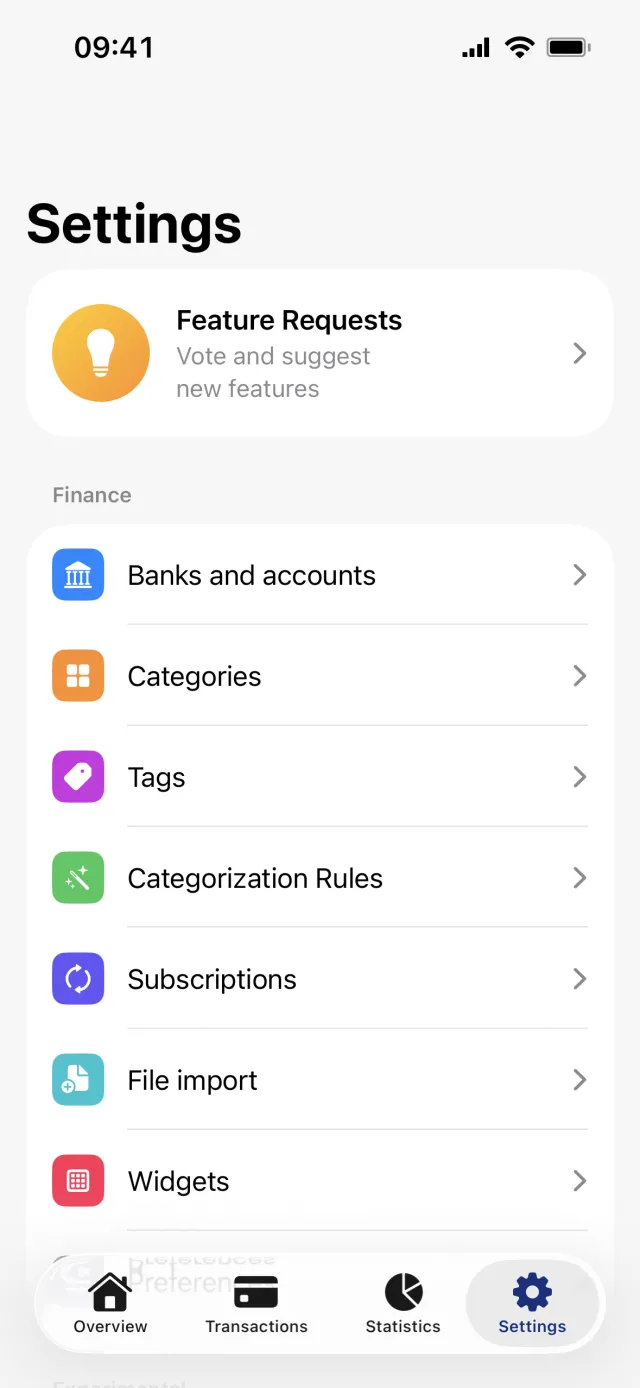
Turn a notification on or off
- Open the Settings tab and tap Notifications under Finance.
- Under Transactions, turn Uncategorized transactions, Salary has arrived or Large payments on or off. Large payments asks for an amount in your primary currency and suggests one.
- Under Budgets, turn on Budget alerts and pick the share of the budget to warn at, 80% to begin with.
- Under Subscriptions, turn on Price changes, Renewal reminders or New subscriptions. The first two ask how big a change, and how many days of notice, you want.
- Under Summaries, turn on Weekly summary and pick its weekday, or turn on Monthly summary.
- Under Timing, set the hour the budget, renewal and summary alerts arrive, in your own time zone. Nine in the morning to begin with.
A toggle here stops that notification at the source, so nothing is sent to any of your devices. How a Penge notification is delivered, quietly or on the Lock Screen, is decided in the iOS Settings app instead, under Notifications and then Penge.
What each one tells you
- Uncategorized transactions: how many transactions have been sitting uncategorized for three days or more, so the number can be lower than the one on the Uncategorized Transactions widget.
- Salary has arrived: an income Penge recognizes as your salary has landed, at most once a calendar month. It needs history, because Penge has to have seen you file the same payer under a salary category before.
- Large payments: a single payment at or above your amount. It arrives when your bank books the payment, not at the hour you set.
- Budget alerts: one warning when a budget passes your share of its amount, and one more if the whole budget goes.
- Price changes: a subscription's newest charge is at least your chosen share away from the one before it, 10% to begin with.
- Renewal reminders: a subscription is due to be charged again, up to seven days ahead. Two days to begin with.
- New subscriptions: a repeating charge you do not track yet. Penge tells you about each one once, and leaves an ignored pattern alone.
- Weekly summary: what you spent over the seven days ending yesterday, on the weekday you pick. A week with nothing spent sends nothing.
- Monthly summary: what you spent last month against the month before it, on the 1st.
Good to know
- All nine settings are stored on your account, not on the phone, so they follow you to another device.
- Large payments, price changes and new subscriptions skip a charge more than five days old, so turning one on does not announce your history.
- Every message except the uncategorized reminder is written in the language of your primary currency rather than your app language. The reminder is in Norwegian for everyone.
- Penge never asks permission for notifications. It registers quietly, so the first one arrives in Notification Center with Keep and Turn Off. Sound is never requested, and nothing is shown while Penge is open.
- Preferences has a Notifications row too, and it opens the same screen.
What Penge never sends
- No low-balance alert.
- No push when a bank connection needs renewing. The app marks the Settings tab and the bank instead.
- No reminders scheduled on the phone itself. Every alert comes from Penge's server, so signing out stops all of them.
The red badge on uncategorized transactions is a different thing again. It is a display setting, Show red badge on uncategorized transactions, under Preferences and Display.
Get a full overview with Penge
Connect your bank and let the app categorize and budget automatically.
Questions about this
- Why do Penge notifications never make a sound?
- Sound is not requested. Penge asks iOS for alerts and a badge only, so its notifications are silent by design. If you want them to be prominent, open the iOS Settings app, tap Notifications, then Penge, and change the delivery there.
- I turned a notification on, but nothing arrives.
- Push needs a token stored on your account, and signing out clears it. Beyond that, each alert has its own condition. Budget, renewal and summary alerts wait for the hour you set under Timing, and the three that watch single charges need one from the last five days.
- Why did nothing appear while I had the app open?
- Penge presents nothing in the foreground on purpose. A notification that arrives while you are using the app is not shown, because whatever it would tell you is already on the screen in front of you.