
Banks and accounts
Reconnect a bank when access expires
A bank connection is not permanent. When the access period runs out, the accounts stop syncing and Penge marks them Previously connected. Nothing you already have is lost, but nothing new arrives either until you approve the connection again.
How do you reconnect a bank?
Open the Settings tab, tap Banks and accounts, then tap the bank with the warning icon. Under Connected accounts, tap Reconnect accounts and log in at your bank as you did the first time. Every account in that connection is renewed at once, and your existing transactions stay.
Reconnect step by step
- Open the Settings tab. An orange badge on it counts the accounts that have lost their connection.
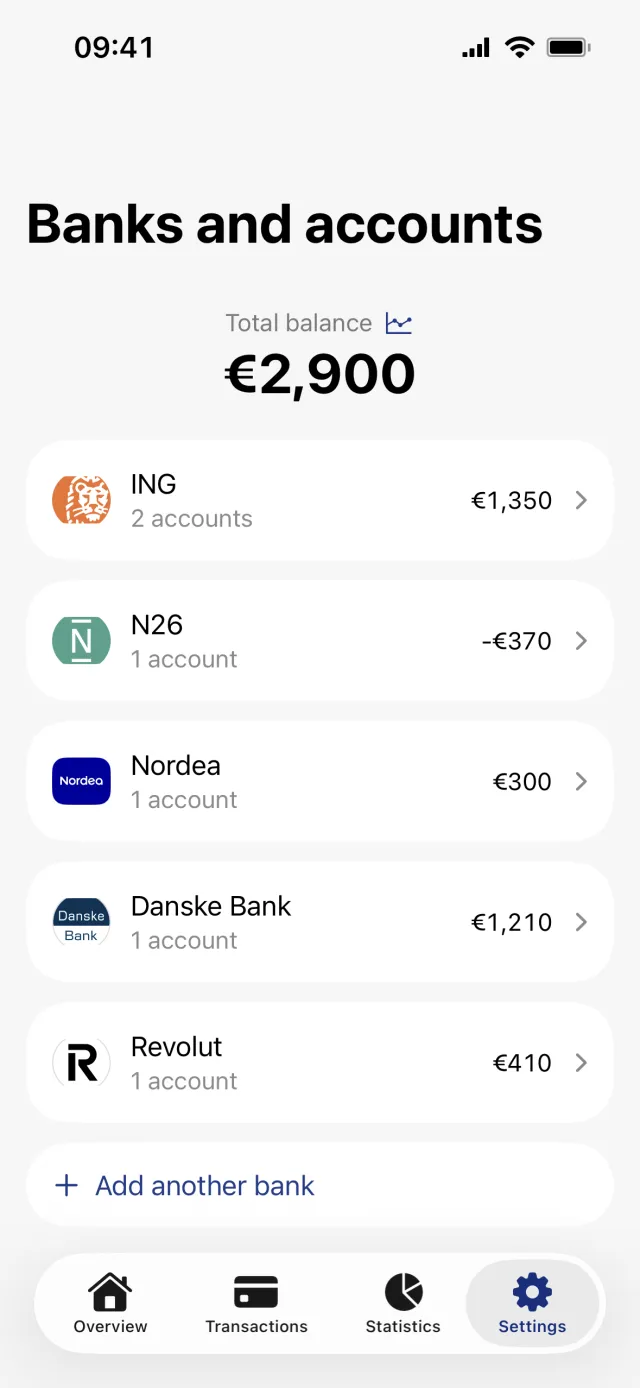
- Tap Banks and accounts, the first row under Finance.
- Tap the bank you want to fix. The affected account wears a crossed-out cloud instead of its usual icon, and the text under Connected accounts says how many accounts the connection was lost to.
- Tap the button in the Connected accounts section. It reads Reconnect accounts once an account has dropped out. On a healthy bank the same button reads Modify connected accounts, and on a bank with nothing connected yet it reads Add connected accounts.
- Log in at your bank in the sheet that opens and approve the accounts you want back.
- Penge confirms with a Success message and starts syncing that bank again.
Good to know
- Penge does not tell you when a connection expires. There is no push notification and no email. The badge on Settings, the crossed-out cloud icons and the Previously connected line on the account's own screen are the only signals.
- Reconnecting works per bank, not per account. One login covers every account in that connection.
- Each connection has its own 90-day period, so banks you connected at different times ask to be renewed at different times.
- An account that lost its connection keeps its last known balance and still counts toward your totals. An account you disconnected yourself does not.
- Accounts you disconnected on purpose stay disconnected. A successful login does not switch them back on.
- There is no pull to refresh and no sync now button on these screens. Syncing runs on its own schedule.
- All of this needs a network connection. Offline the buttons are disabled and nothing happens when you tap them.
What Previously connected means
Previously connected is the state an account lands in when Penge can no longer read it. An expired access period is the usual cause, but not the only one: the bank can also reject the connection, or report the account itself as expired or suspended. The label is the same either way, and so is the fix.
The balance still on screen is the last one the bank reported. Once it is two days old or more, the bank screen adds a note saying when it was updated. Treat the connection warning as the signal to act, rather than waiting for the number to look wrong.
What the access period is, and why European rules require it, is covered in is Open Banking safe.
The bank login goes through but the accounts still will not connect?
Get in touch →Get a full overview with Penge
Connect your bank and let the app categorize and budget automatically.
Questions about this
- Do I lose transactions when the connection expires?
- No. Everything Penge has already fetched stays in the app while syncing is paused, and reconnecting deletes nothing. The bank starts feeding new transactions again from where it left off.
- Can I reconnect one account on its own?
- Not on its own. The bank login always runs from the bank screen with Reconnect accounts, and it renews every account in the connection. The Reconnect account row behind Edit is a different thing: it only shows on an account you disconnected yourself, and it only marks that account as ready.
- Why did an account vanish from the connection?
- An account that was in the old connection but is missing from the new one is marked as having lost its connection rather than deleted, so its transactions and its last balance stay in the app.
- Does reconnecting fetch the months I missed?
- Not the whole gap. The sync that follows starts at the first of the current month, or the first of the previous month when you reconnect on the 15th or earlier, so a longer pause leaves a hole. You can fill it by importing a statement into a manual account.